
1 minute readblog
How to Install FFmpeg on Mac?
We will use Homebrew, or just brew,
it is a package manager for macOS that makes things easier when installing software from the command-line.
STEP 1: Confirm you have brew installed in Terminal
cmdBash
brew -vIf you get a “command not found” error, install brew:
cmdBash
/bin/bash -c "$(curl -fsSL https://raw.githubusercontent.com/Homebrew/install/HEAD/install.sh)"STEP 2: Install ffmpeg with brew
To install ffmpeg run these commands into the terminal. (press Y if asks for confirmation)
cmdBash
brew install ffmpegStep 3: Checking if the installation is done successfully.
cmdBash
ffmpeg -version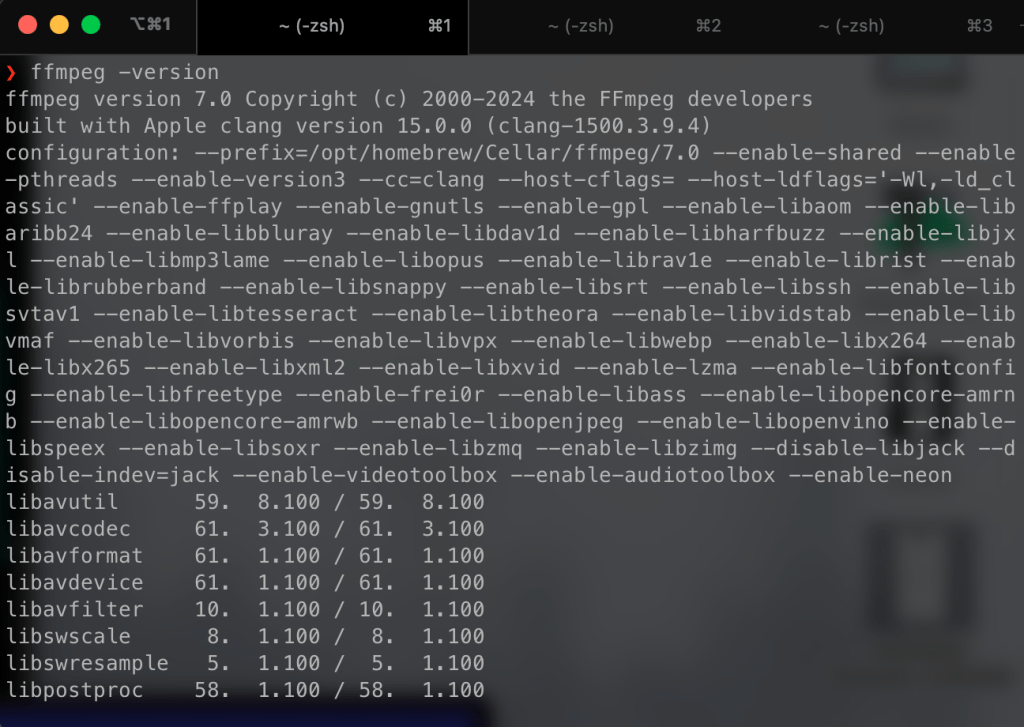
Step 4: Reopen Soundbound app and enjoy your music!