
1 minute readblog
How to Install FFmpeg in Linux?
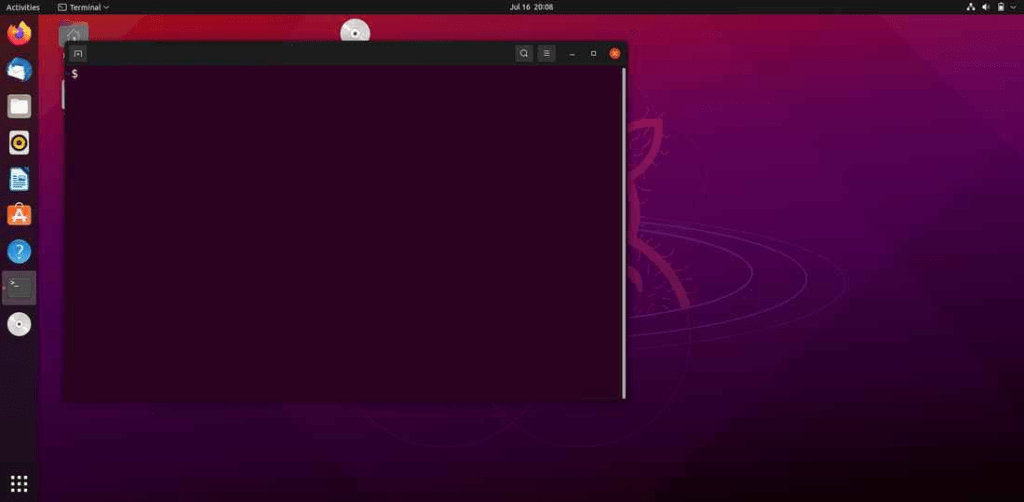
Step 1: Open Terminal On Your Linux Device.
You can open a terminal on your Linux device by pressing ctrl+alt+T.
Step 2: Enter the installation command.
To install ffmpeg run these commands into the terminal. (press Y if asks for confirmation)
cmdBash
sudo apt install ffmpegStep 3: Checking if the installation is done successfully.
cmdBash
ffmpeg -version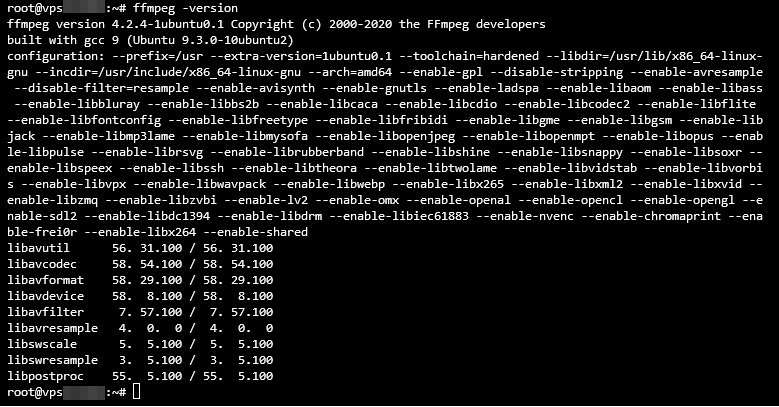
Step 4: Reopen Soundbound app and enjoy your music!